Thermal Printers for eCommerce: Faster, Cheaper Shipping Labels

Thermal printers cut label costs and speed up fulfillment for eCommerce. See how they beat inkjet and laser, and how to choose direct thermal vs thermal transfer.
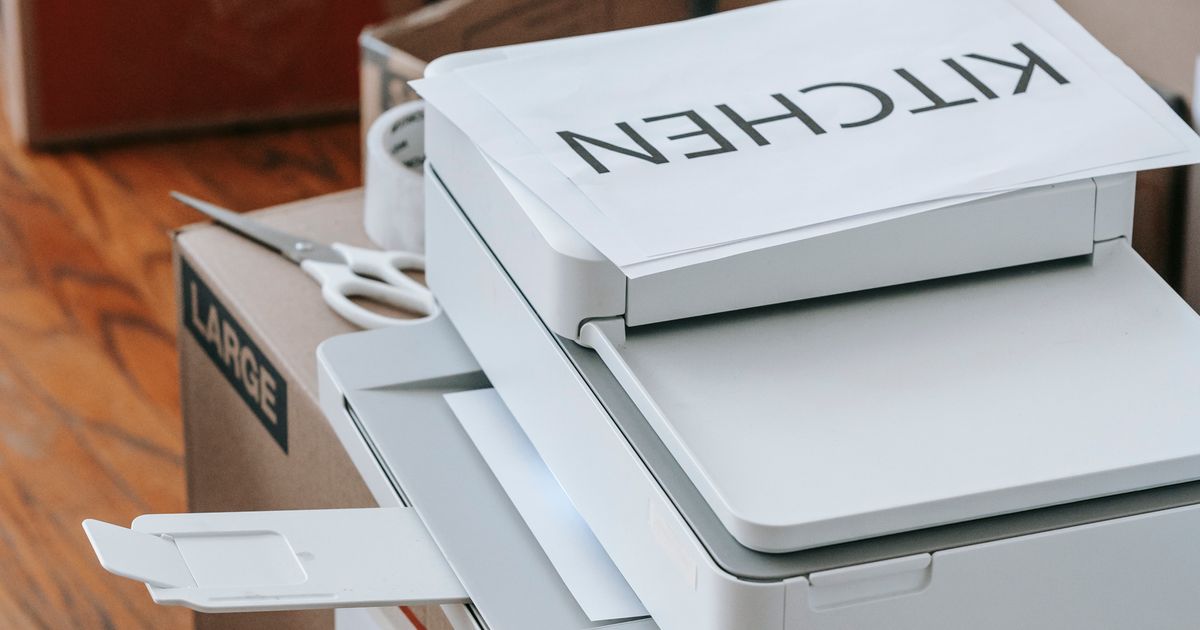
In eCommerce, the small operational choices compound fastest — and few are as overlooked as how you print your shipping labels. The right label printer speeds up fulfillment, cuts recurring costs, and keeps packages scanning cleanly from the warehouse to the doorstep. For most online sellers, that printer is a thermal printer.
This guide breaks down how thermal printing works, why it beats inkjet and laser for shipping, and how to pick the right type for your operation.
Why Your Label Printer Choice Affects Fulfillment
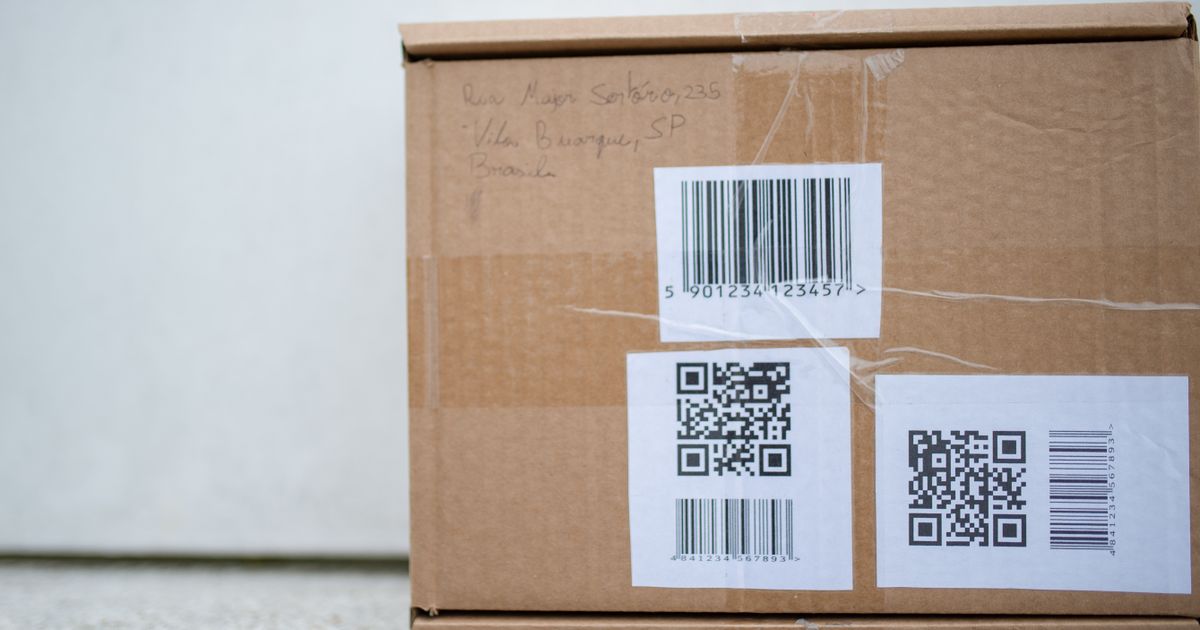
Every order you ship needs a clean, scannable label. Smudged ink, faded barcodes, or labels that peel in transit lead to misroutes, delays, and support tickets — each one quietly eating into margin. As volume grows, the printer that produces those labels stops being a detail and becomes part of your fulfillment speed and cost structure.
Thermal printers use heat to create the image directly on the label, with no ink or toner involved. That single difference is what drives nearly all of their advantages.

Thermal vs. Inkjet and Laser: The Real Cost Difference
Inkjet and laser printers were built for documents, not high-volume shipping labels. Compared to them, thermal printers deliver:
Lower running costs: no ink or toner cartridges to replace — the biggest hidden expense of inkjet and laser printing.
Faster output: thermal units print a 4×6 label in about a second, which matters when you're processing dozens or hundreds of orders.
More durable labels: thermal labels resist smudging and handling, so barcodes stay scannable through the whole journey.
Less maintenance: fewer moving parts and no ink system means fewer jams and clogged nozzles.
For a small business, the math is simple: a modest upfront investment in a thermal printer is offset quickly by the ongoing savings on consumables.
Direct Thermal vs. Thermal Transfer: Which One to Choose
There are two kinds of thermal printing, and picking the right one matters:
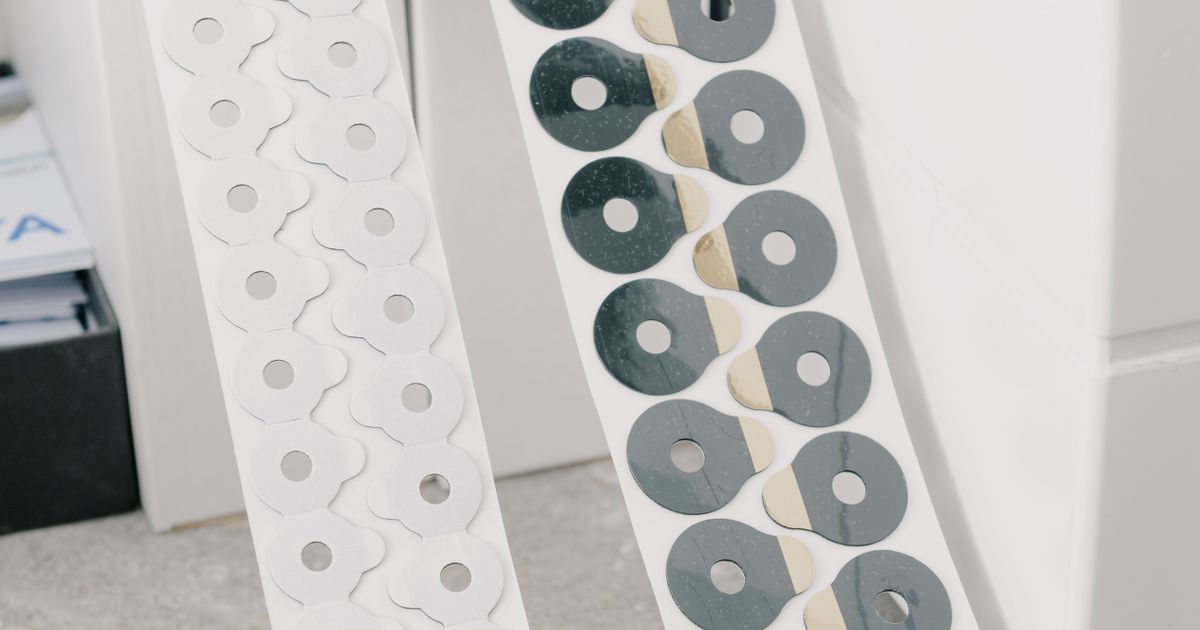
Direct thermal prints onto heat-sensitive labels with no ribbon. Labels can fade over months, which is perfectly fine for shipping labels that only need to last until delivery. This is the standard choice for eCommerce shipping.
Thermal transfer uses a heated ribbon to fuse the image onto the label, producing long-lasting, smudge-proof prints. Choose it for product labels, asset tags, or anything that must survive long-term storage.
Most online sellers shipping 4×6 labels want a direct thermal printer; reserve thermal transfer for durable, permanent labeling needs.
How Thermal Printers Pay for Themselves
Beyond consumable savings, a dedicated thermal printer plugs straight into your shipping platform and prints labels on demand — no copy-paste into a document, no scaling issues, no wasted sheets. That streamlined flow shaves seconds off every order and removes a common source of fulfillment errors. At scale, those seconds and avoided mistakes are real money.
Key Takeaways
Thermal printers use heat, not ink — lower running costs and less maintenance.
They print faster and produce more durable, reliably scannable labels.
Use direct thermal for shipping labels, thermal transfer for permanent product labels.
The upfront cost is recovered quickly through ongoing savings at volume.
If shipping-label printing is still a bottleneck in your fulfillment, switching to a thermal printer is one of the easiest upgrades you can make. Set one up before your next busy season and feel the difference on day one.
The Art of Packaging: How to Ship Like a Pro
Learn how to package like a pro: choose the right box size, cushion fragile items, seal with the …
Read → May 30, 2026Getting Started with the Shipping Label API
Learn how to integrate the Shipping Label API to generate labels, validate addresses, get rate quotes, and automate …
Read →